How to set up Email channel on Cheerio AI
To set up an email channel on Cheerio you have to create a sender ID for your channel.
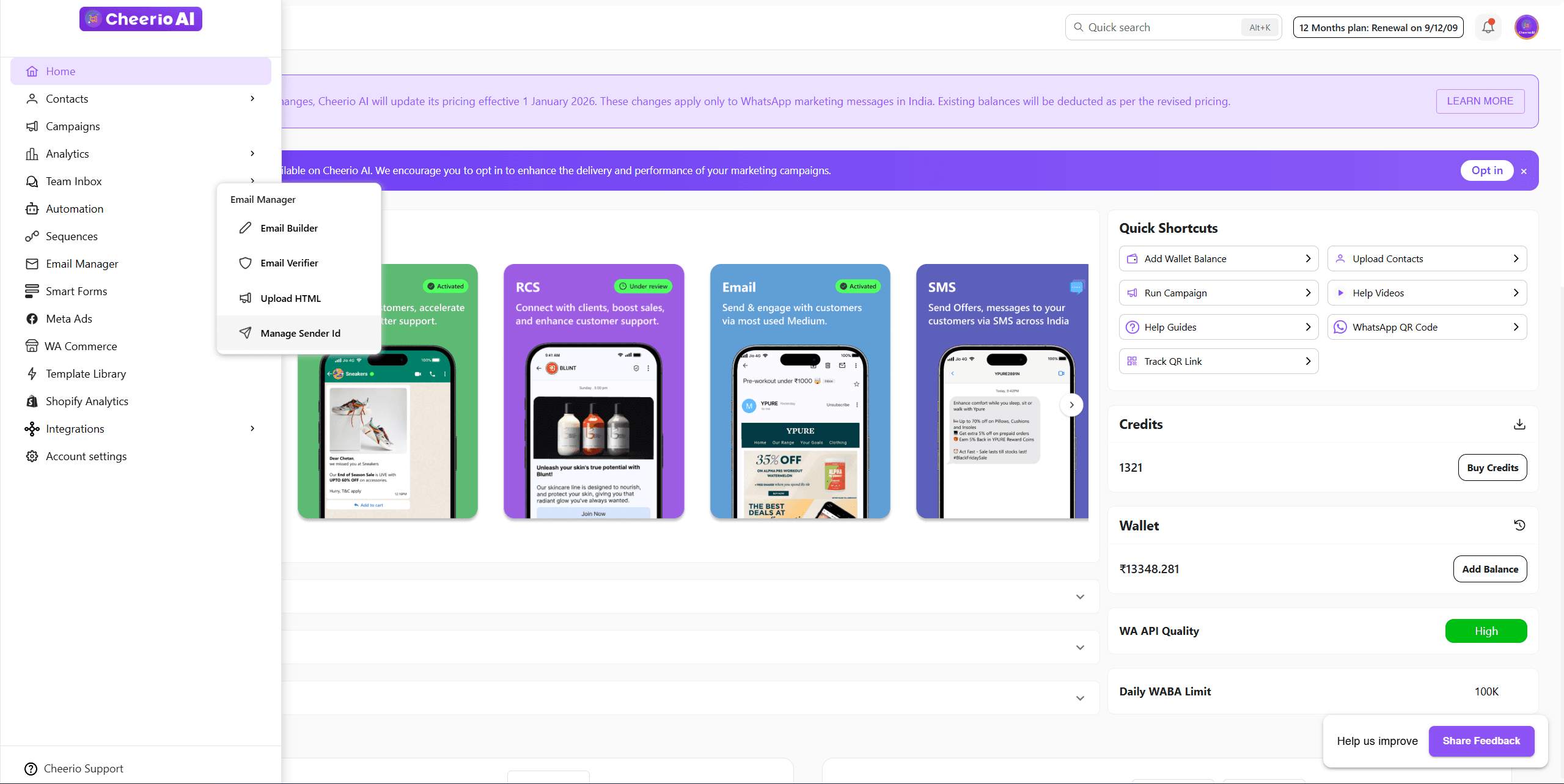
Navigate to the email section from the navigation bar and go to manage sender ID
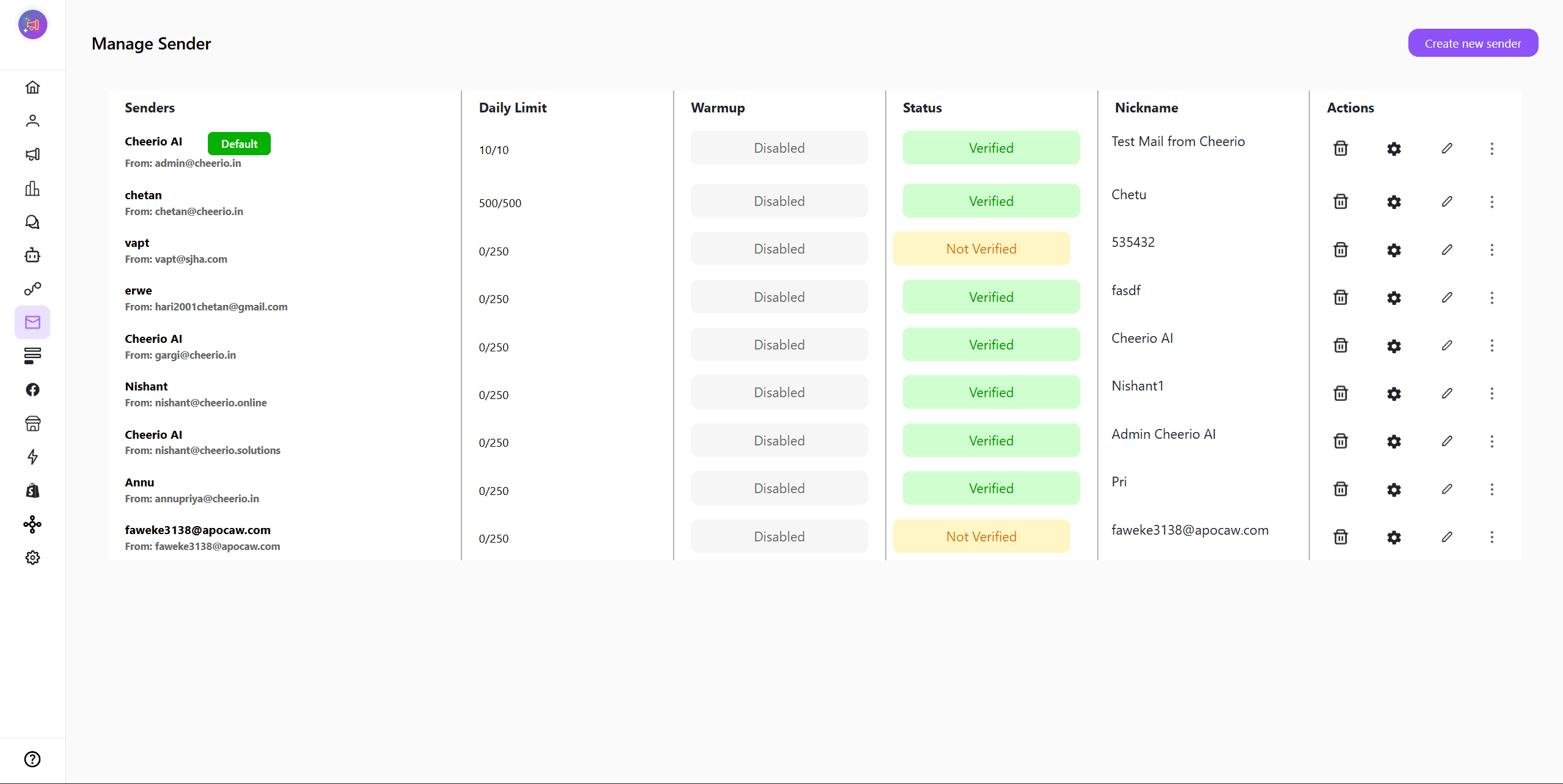
Here you have to create a sender ID for your business. Your customers will receive emails from this email ID only.
2. Click on the Create new sender button and fill up the sender ID creation form
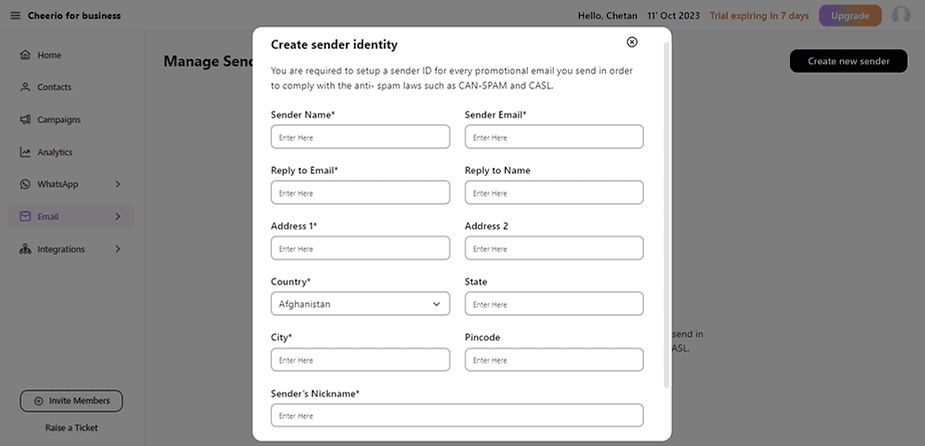
3. After filling in all your details you will receive an email from Cheerio to verify your sender ID creation.
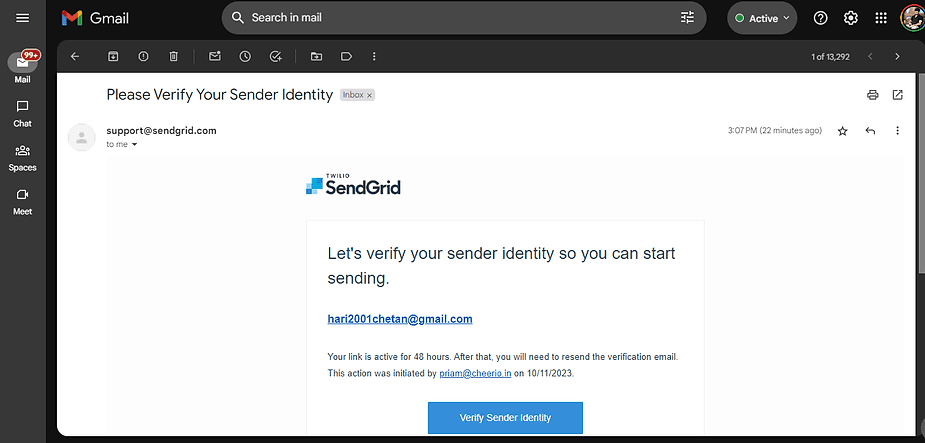
Once verified your sender ID is ready to send campaigns.
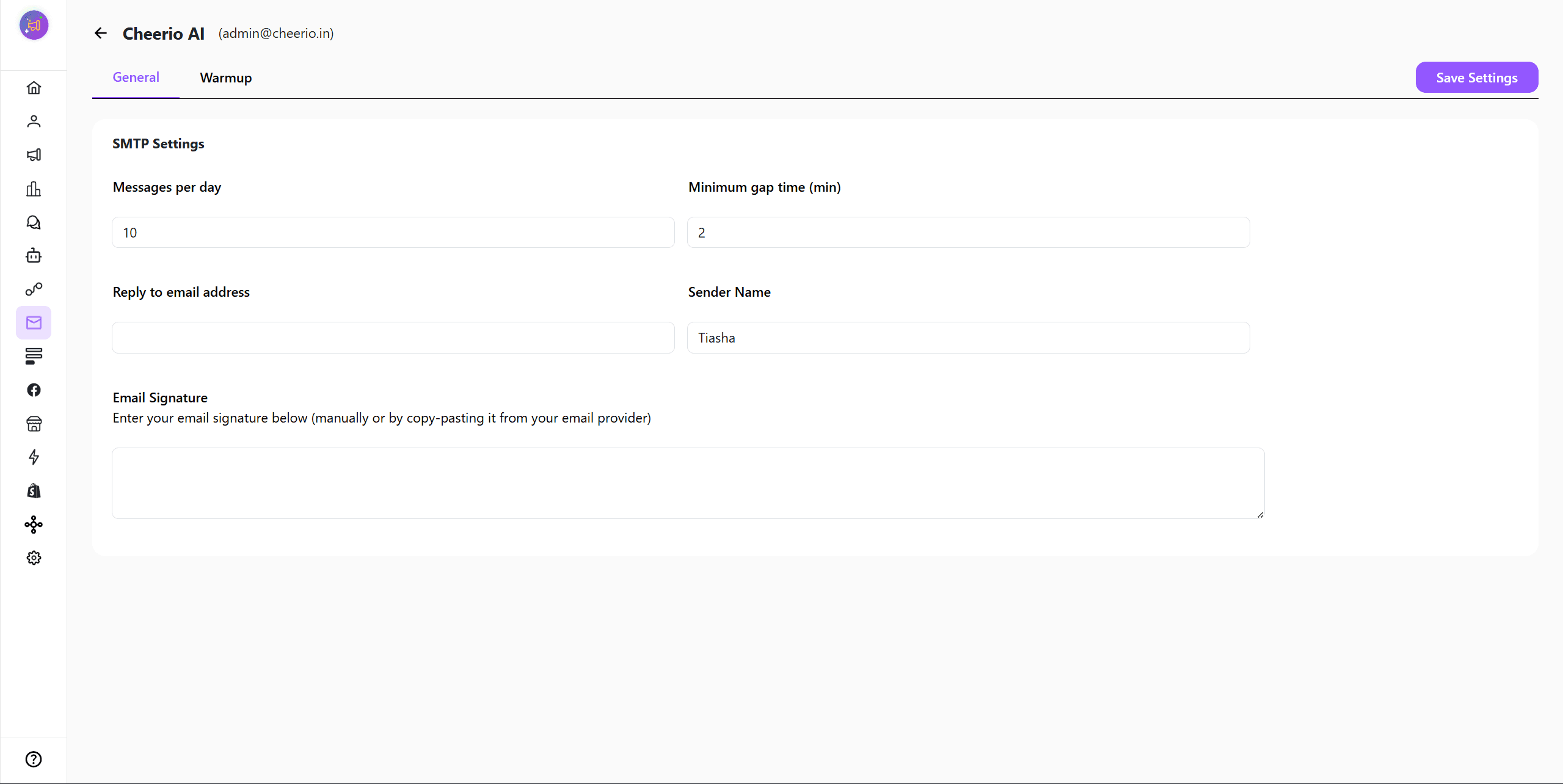
You can setup sender limits, footer and other things by clicking on settings icon
Now, your email sender id is ready to send campaigns and setup automations. For better delivery ensure to use email warmup.