On Cheerio, you can launch campaigns for your customers using 3 channels. Email, SMS, and WhatsApp.
1. Go to the campaigns from the side menu & click the run campaign button on the top right
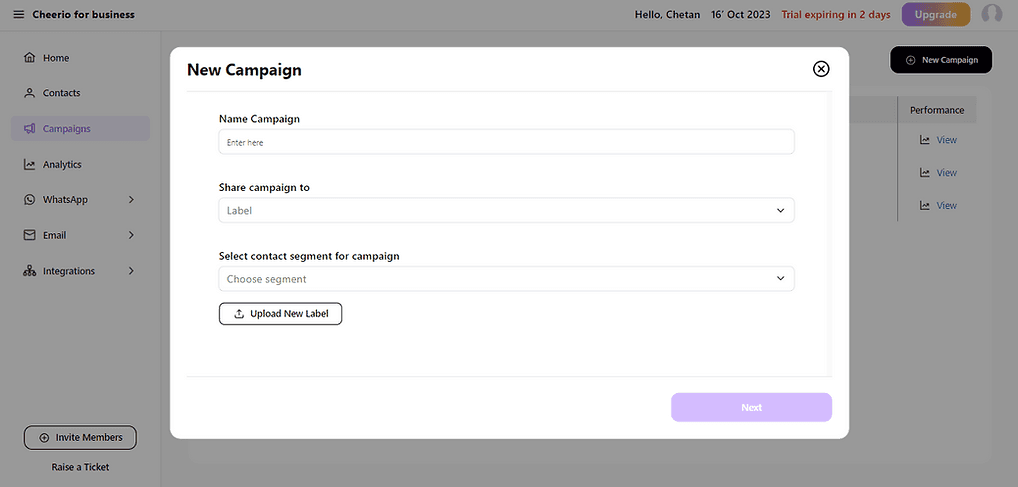
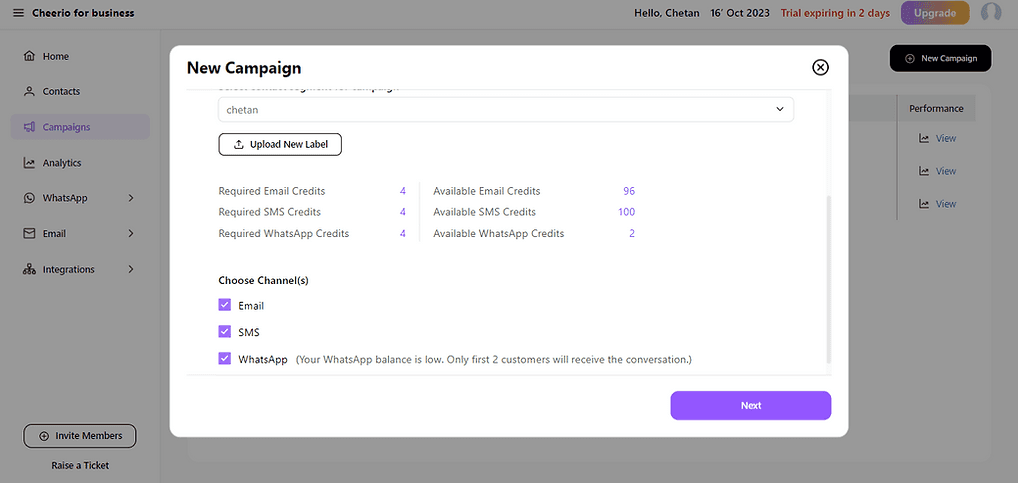
2. Name your campaign & choose a label/ tag(s) you want to target. After selecting you will see your target audience details & channel to target.
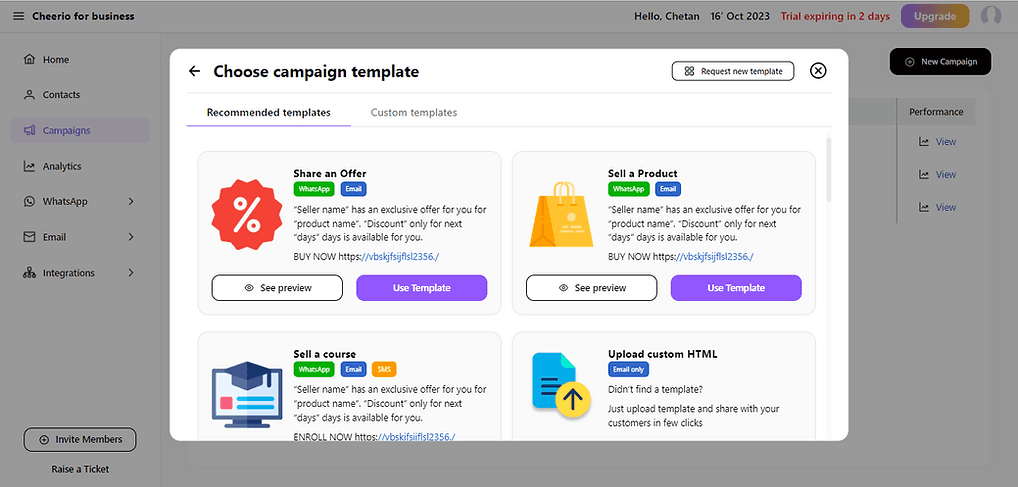
3. Select a template as per your choice (You can create your custom templates or directly use pre-uploaded templates from the library)
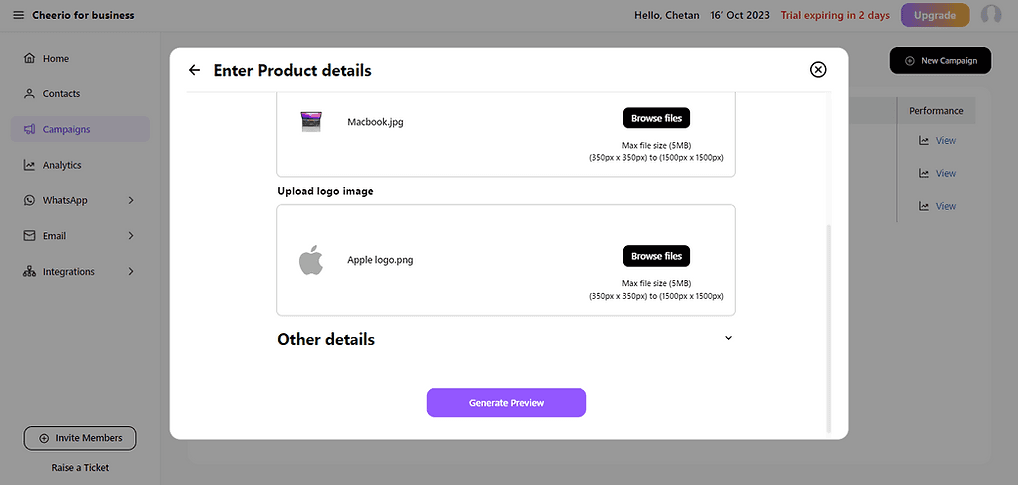
4. Fill up the required template details and generate the preview
5. You will have stunning-looking previews for email, SMS, and WhatsApp in seconds.

6. Verify details before launching campaigns
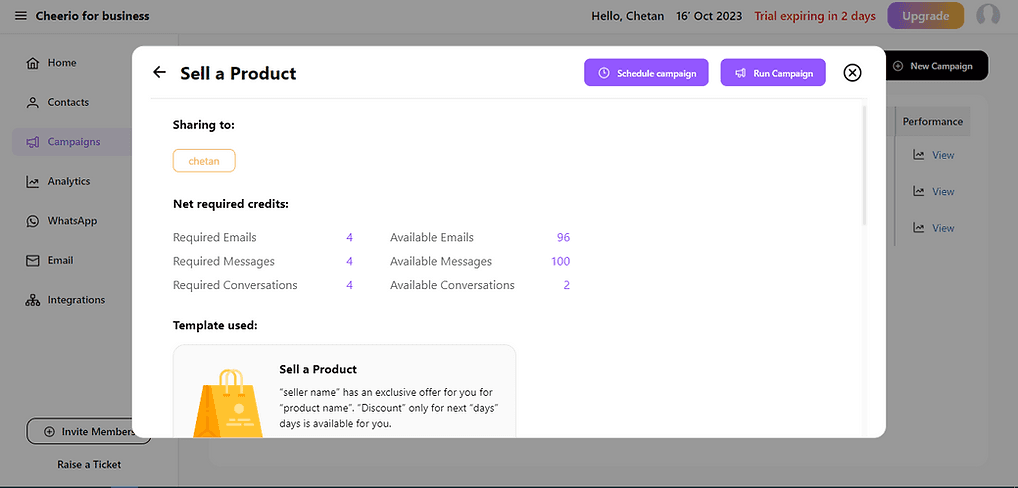
7. Click on a run campaign to launch.
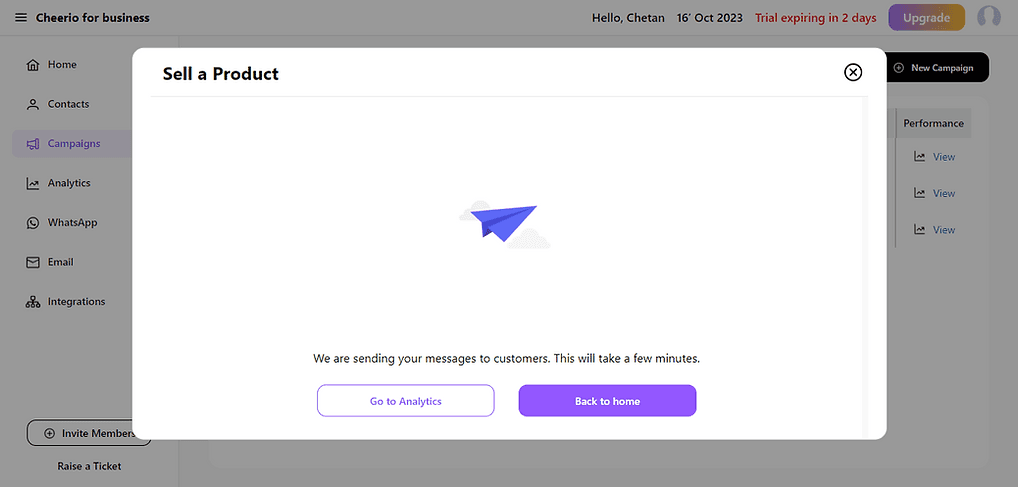
Great, You have successfully launched your first campaign. Now you can check detailed analytics by clicking the "Go to analytics" button.