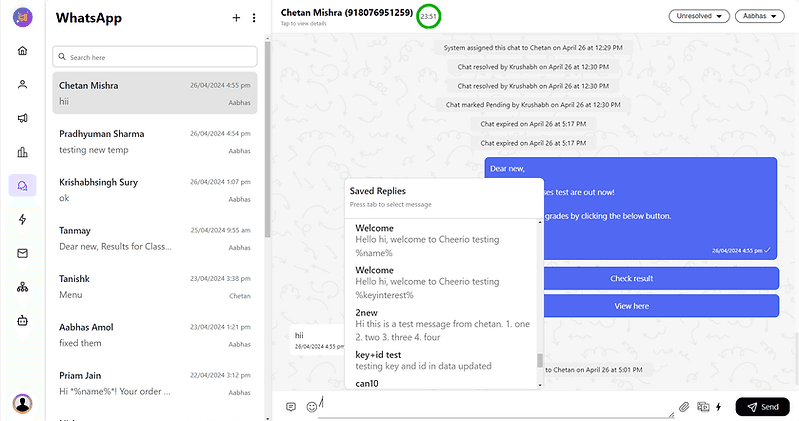
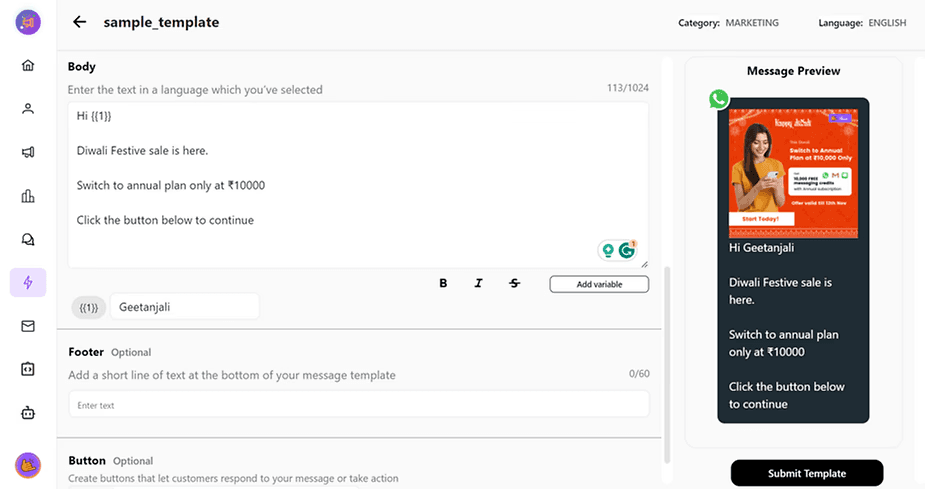
On Cheerio, you can create canned responses in Team Inbox to quickly access long messages, Messages with buttons, Templates, Documents & Media using a shortcut set by you.
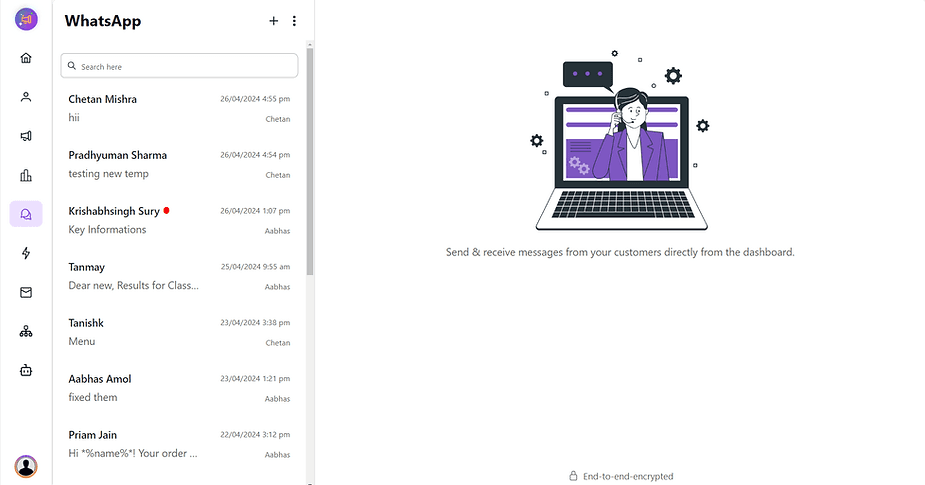
1. Accessing Canned Responses
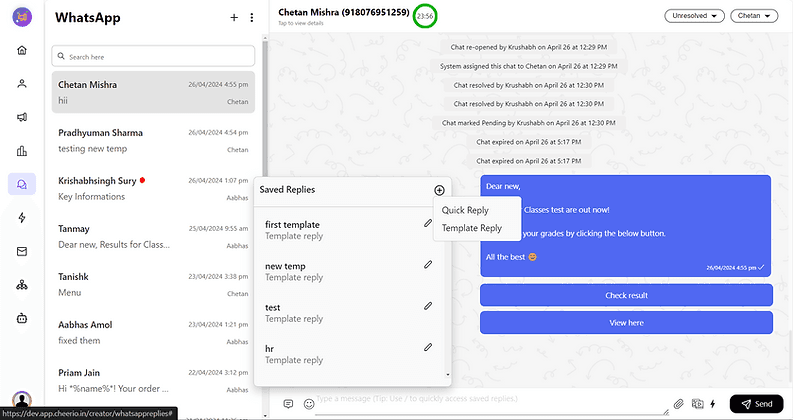
Open any chat in your team inbox.
Click on the message icon on the left side of the chat window.
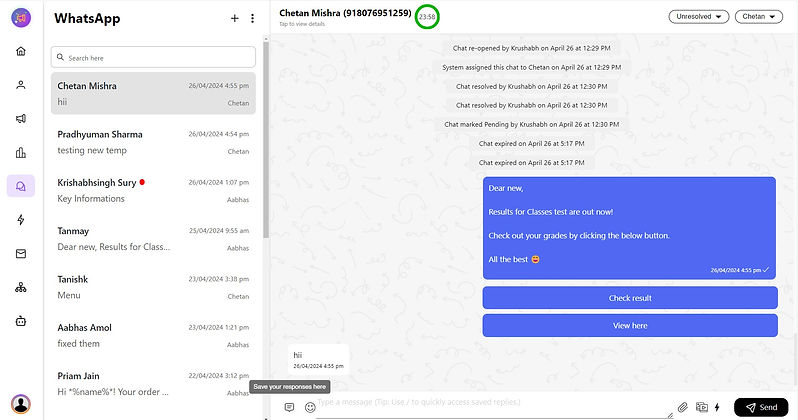
2. Creating a New Canned Response
Click on the plus button to create a new canned response.
Select the type of response you want to create from the list.
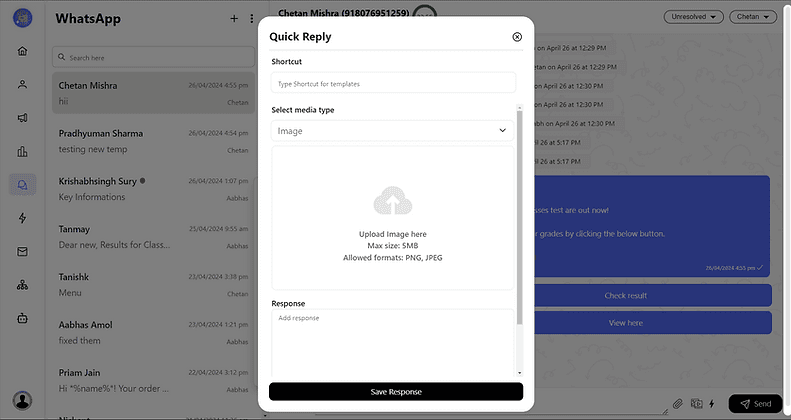
Quick Reply:
Combine messages with quick reply buttons, documents, and media.
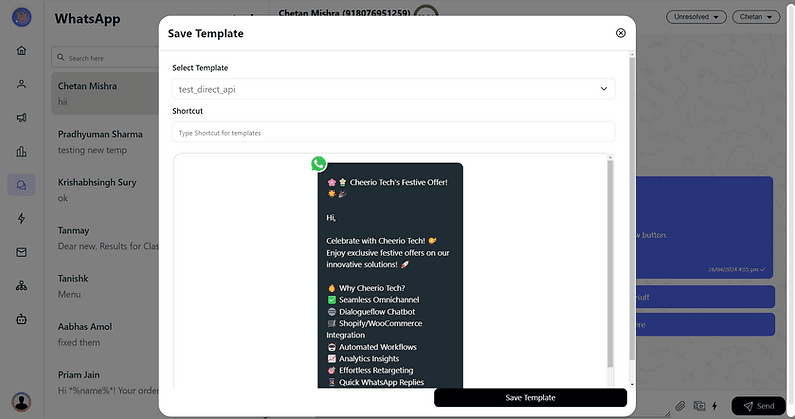
Template Reply:
Create a shortcut for your templates and add variables to them.
3. Accessing and Using Canned Responses
Use the "/" (backslash) to access all shortcuts or type the shortcut and use TAB to select.