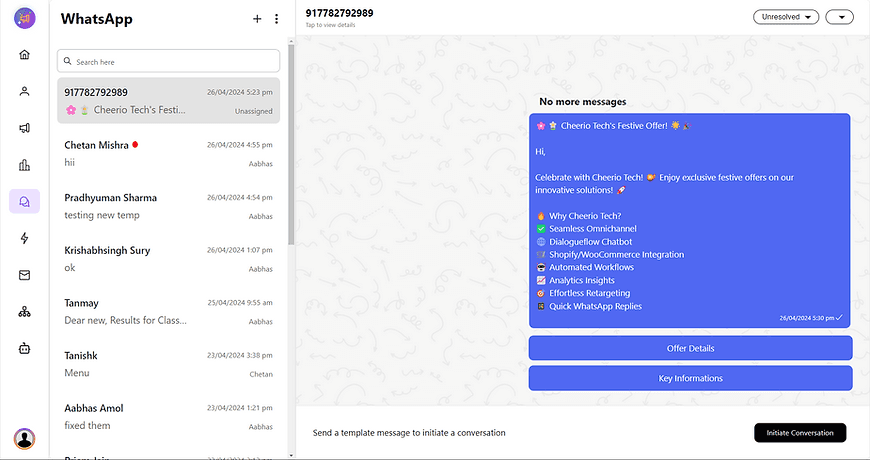
To start a new WhatsApp conversation as a business you have to send a template message to a customer. If the customer responds to your template message your 24-hour messaging window will open to start a chat.
Here is how you can start a new conversation.
1. Go to the team Inbox & Click on the plus button on top to start a conversation.
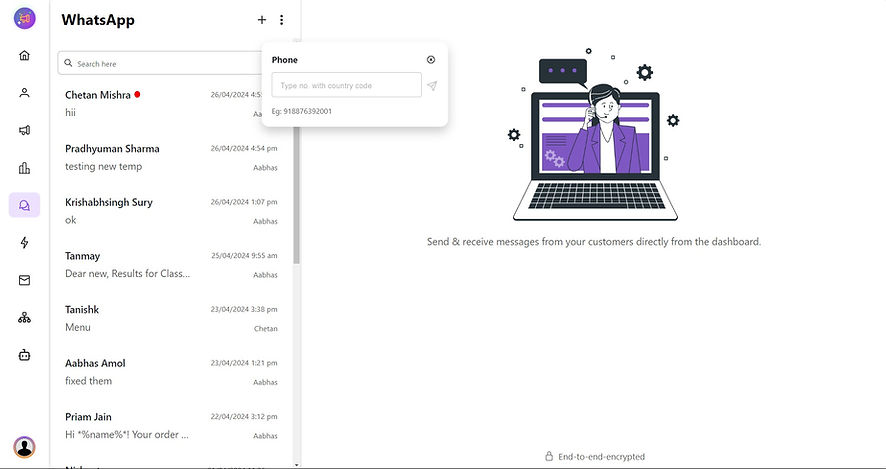
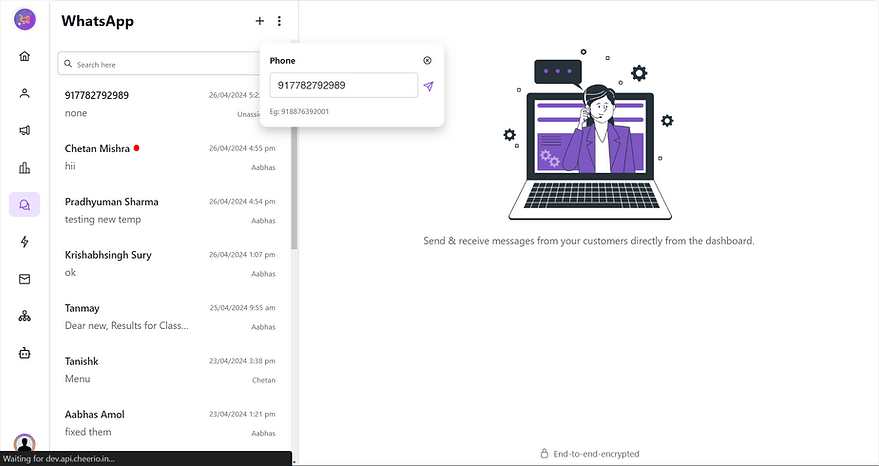
2. Add a phone number you want to start a conversation with country code
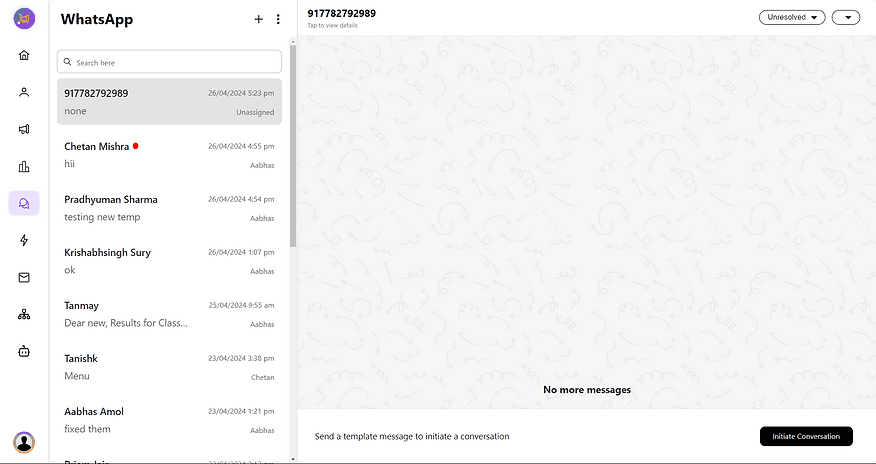
3. Click on the initiate conversation button to send a template message
4. Select the desired template that you like to send. A template with a quick reply is recommended for conversion.
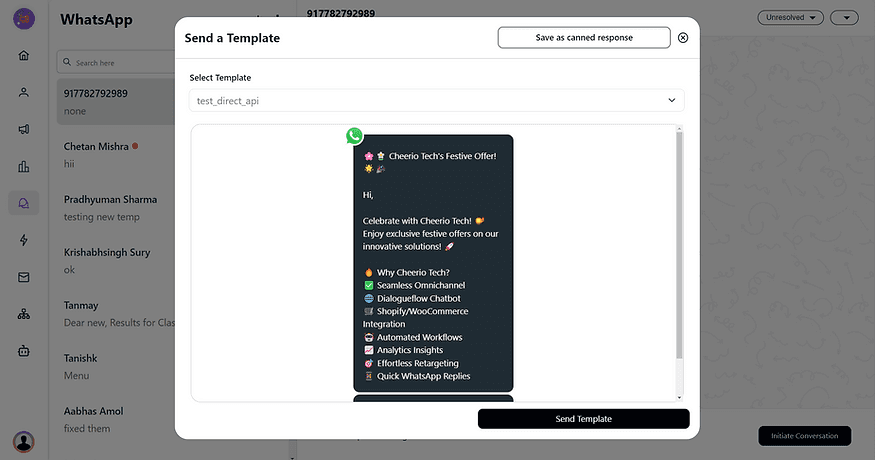
5. Send a template & wait for the customer's response to carry the chat forward.