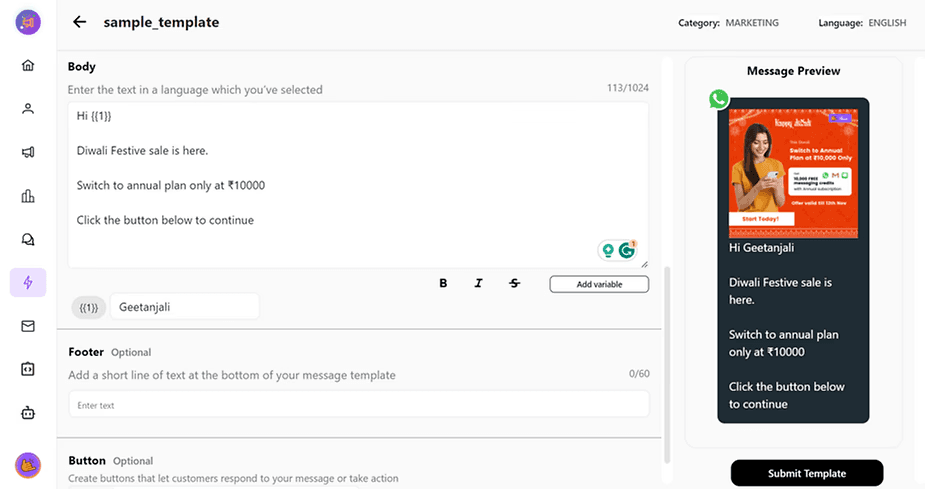
To fetch the latitude and longitude of your location.
Step 1: Open Google Maps on any web browser (maps.google.com)
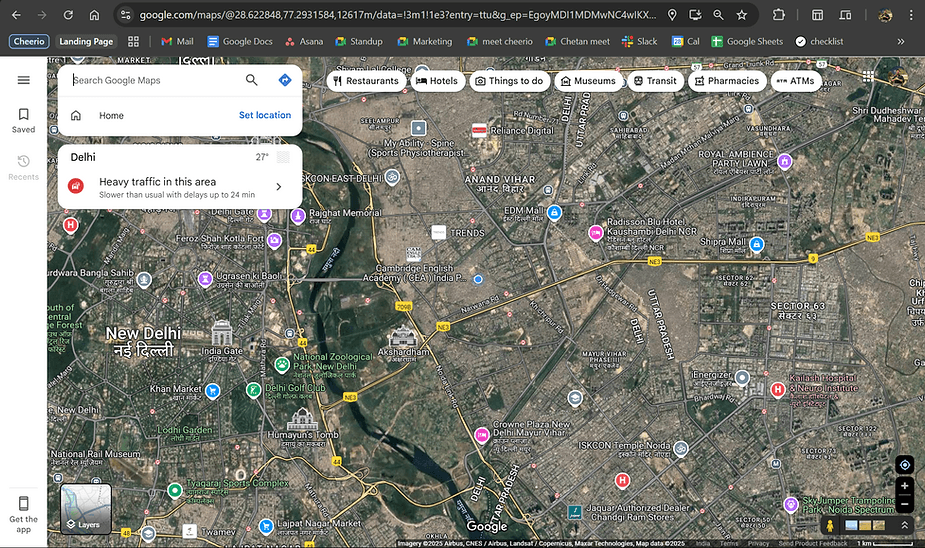
Step 2: Search for your desired location
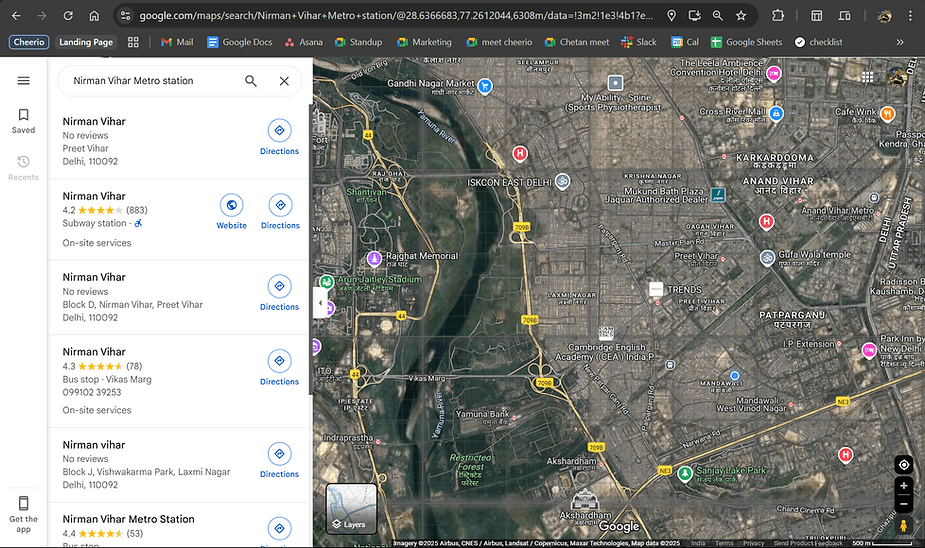
Step 3: Choose the exact location for precision
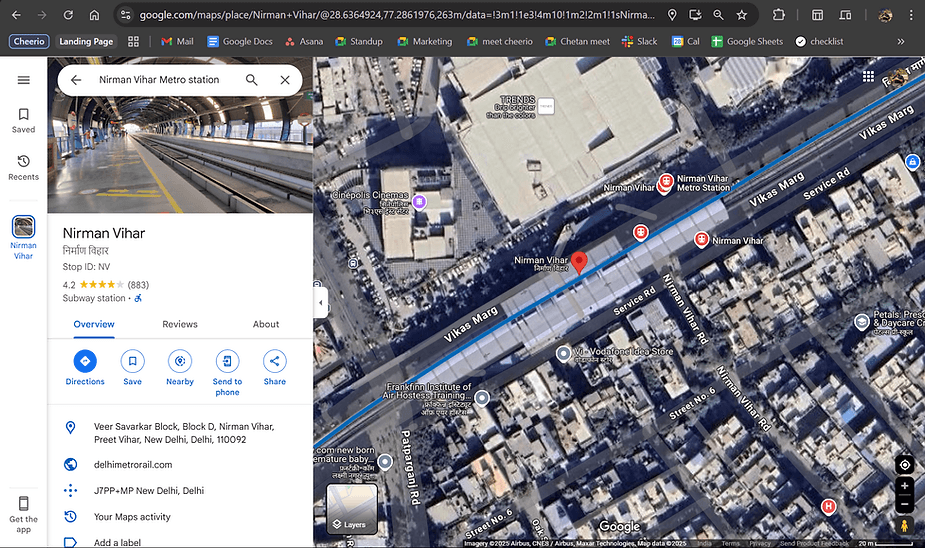
Step 4: Look for the url present from your browser's search bar

Step 5: Copy these two coordinates (Latitude, Longitude) (28.6364924, 77.2861976)

Step 6: Paste these value in your Cheerio Dashboard and Verify location from preview shown.
In case you have doubts? reach us at admin@cheerio.in