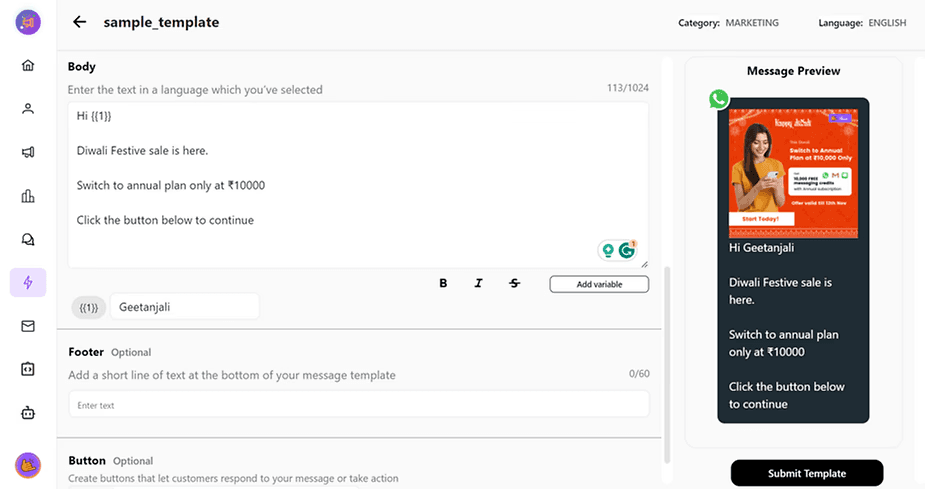
Now you can determine what properties do you want to get received on Cheerio using webhook filters
Here are the steps to follow:
1. Go to manage profile by clicking on the profile button in Navigation bar
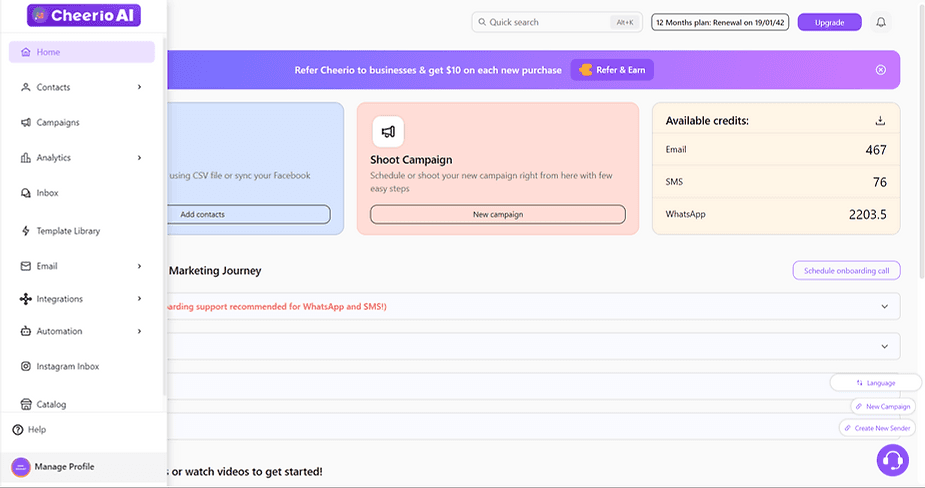
2. Go to webhooks
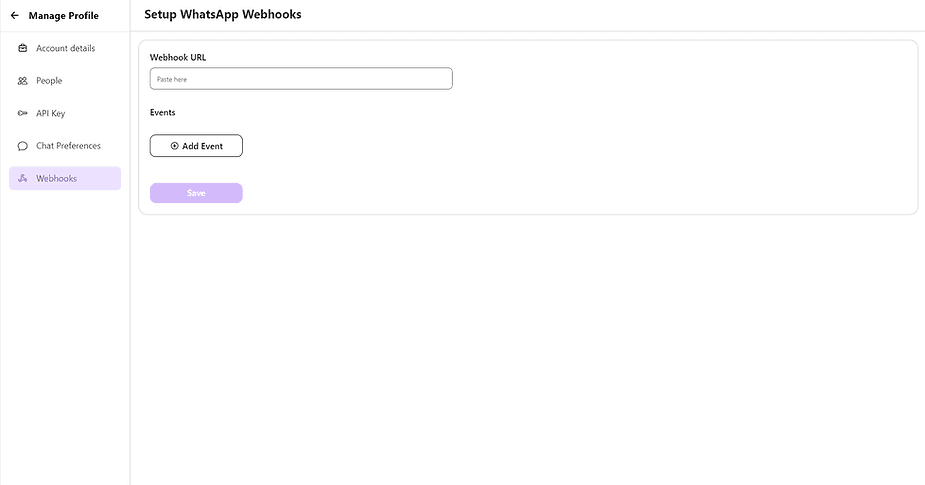
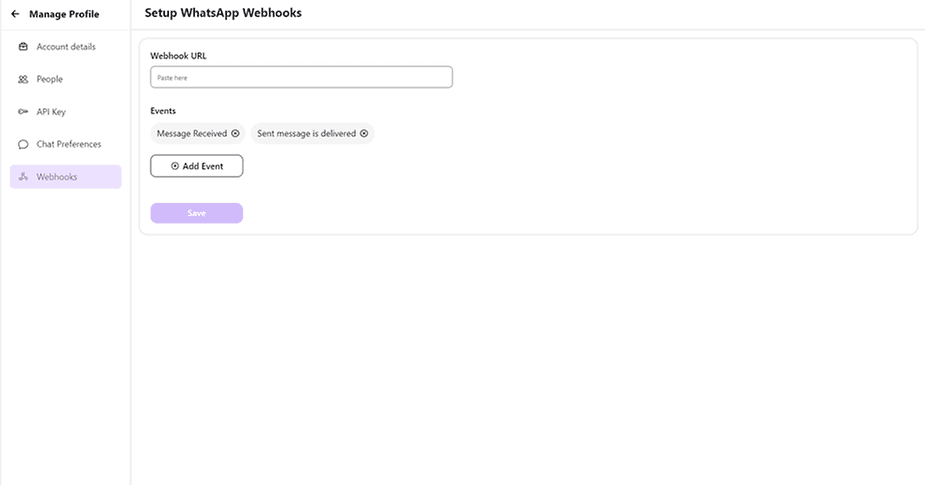
3. Here you will find options to add or delete events now.
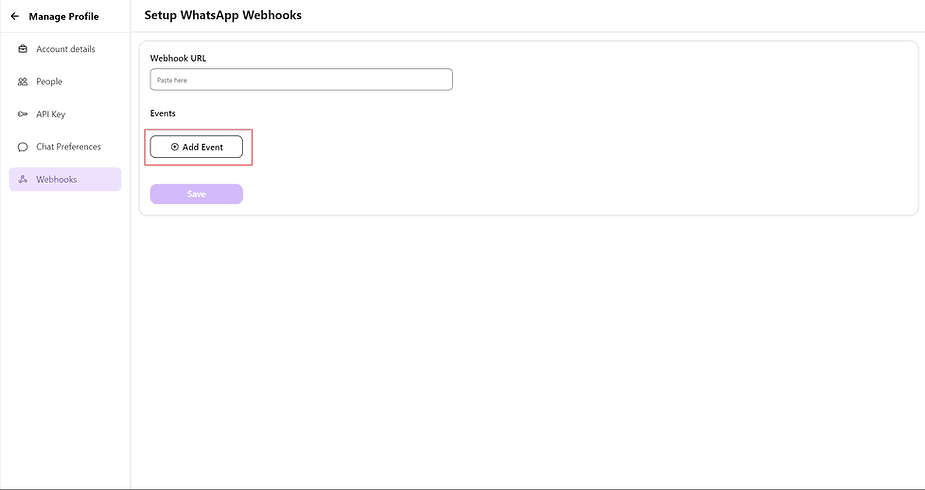
4. Click on add events to start adding from the list
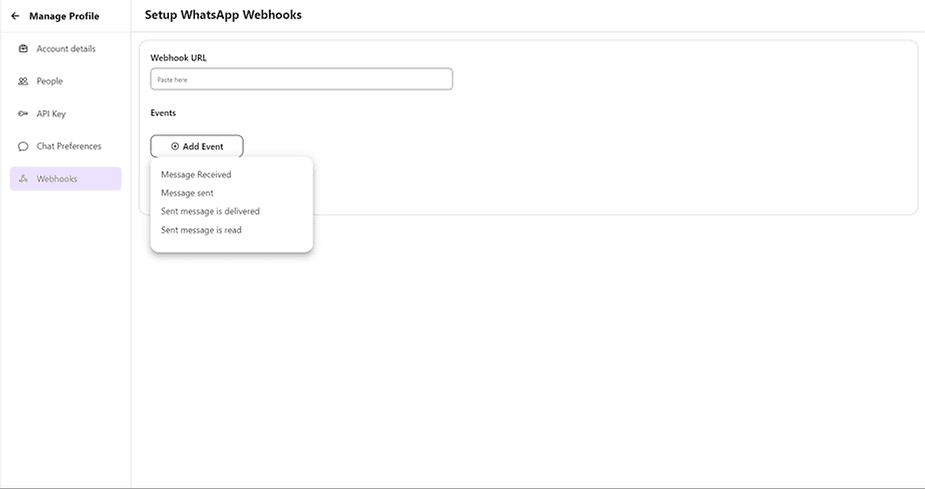
5. Select the event you want to add and hit save.
In case you have any doubts and queries reach out to us at support@cheerio.in